Grahamly Terminal
Run your autonomous financial analyst directly on your desktop across Mac, Windows, and Linux.
Select Operating System
Choose the installer for your computer. Includes all models and offline analysis features.
macOS
macOS 12.0 Monterey+
Optimized for Apple Neural Engine & M-Series chips, plus native 64-bit support for Intel Macs.
Windows
Windows 10 / 11 (64-bit)
Full desktop integration with local Excel workbooks, Word memos, and PowerPoint presentations.
Linux
Ubuntu, Debian, Fedora, Arch
Universal standalone AppImage for all glibc 2.28+ distributions. Runs sandboxed without root dependencies.
What it does
Just like a human financial analyst
Type what you need in plain English. Grahamly plans, researches, builds, checks its math, and saves editable files directly to your machine.
Replaces: juggling multiple tools, fragmented spreadsheets, and hours of repetitive analyst tasks.
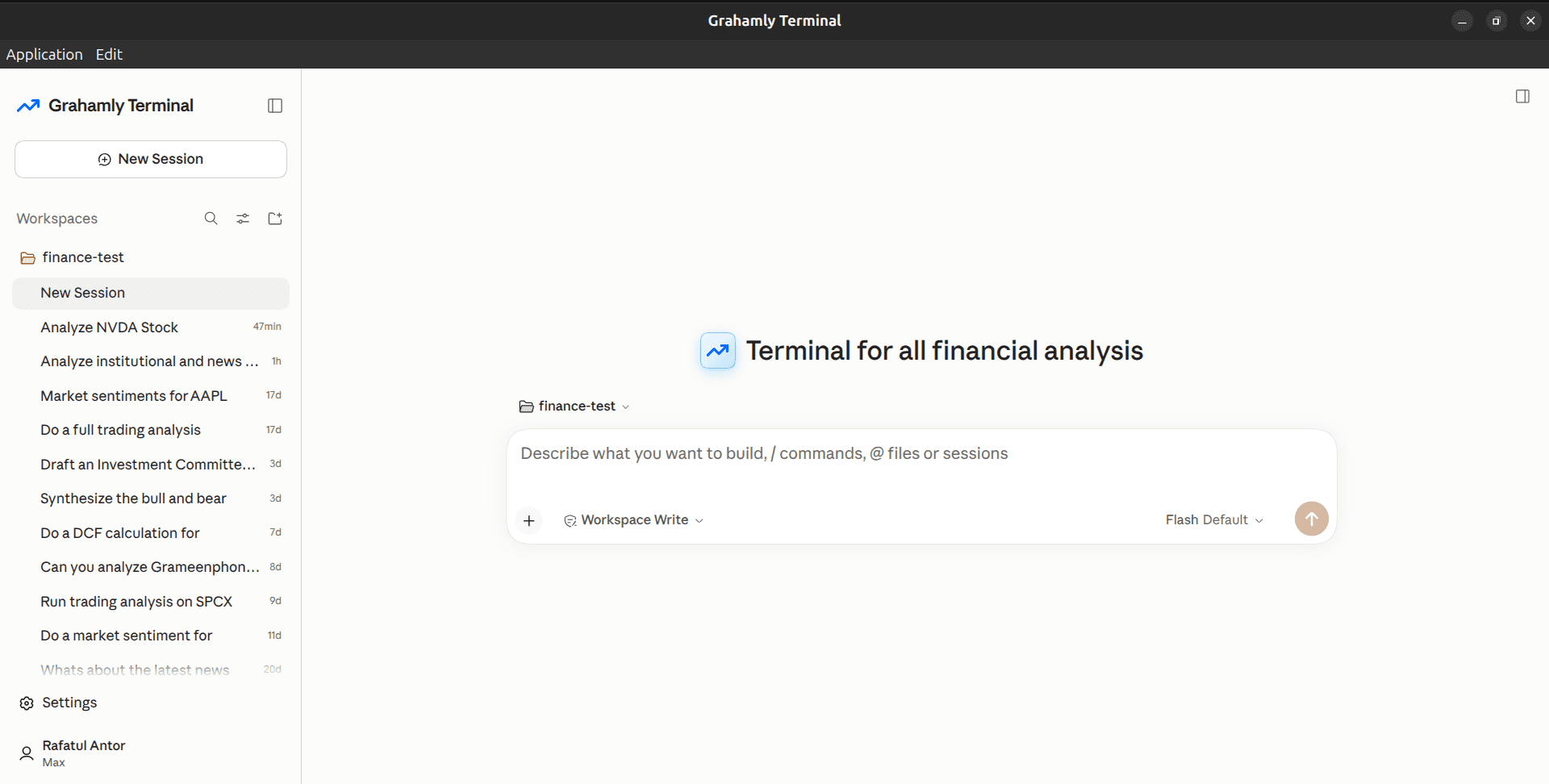
Deliverable
Comprehensive institutional deliverables tailored to your exact prompt — models, memos, comparisons, and live reports.
Available for macOS, Windows & Linux · 7-day free trial · Cancel anytime
How to Get Started
Up and running on your machine in under two minutes.
Start your 7-Day Trial
Sign up and activate your 7-day free trial on Pro or Max. Cancel anytime in 1 click from your account dashboard.
Start Free TrialInstall the Desktop App
Download the installer for macOS, Windows, or Linux. Run the setup and log into your Grahamly account.
Supports Apple Silicon & IntelOpen a Workspace & Assign Tasks
Pick a folder on your drive. Ask Terminal to build an Excel DCF, parse 10-Ks, or draft an IC investment memo.
Local-first file execution