Grahamly Desktop
Run your autonomous financial analyst as a native desktop application across Mac, Windows, and Linux.
Select Operating System
Choose the installer for your computer. Includes all models and analysis features.
macOS
macOS 12.0 Monterey+
Optimized for Apple Neural Engine & M-Series chips, plus native 64-bit support for Intel Macs.
Windows
Windows 10 / 11 (64-bit)
Full desktop integration with local Excel workbooks, Word memos, and PowerPoint presentations.
Linux
Ubuntu, Debian, Fedora, Arch
Universal standalone AppImage for all glibc 2.28+ distributions. Runs sandboxed without root dependencies.
What it does
Just like a human financial analyst
Type what you need in plain English. Grahamly plans, researches, builds, checks its math, and delivers editable files directly to you.
Replaces: juggling multiple tools, fragmented spreadsheets, and hours of repetitive analyst tasks.
Deliverable
Comprehensive institutional deliverables tailored to your exact prompt — models, memos, comparisons, and live reports.
Available for macOS, Windows & Linux · 7-day free trial · Cancel anytime
How to Get Started
Up and running on your machine in under two minutes.
Start your 7-Day Trial
Activate your 7-day free trial on Grahamly. Cancel anytime in 1 click from your account dashboard.
Try Free NowInstall Grahamly Desktop
Download the installer for macOS, Windows, or Linux. Run the setup and log into your Grahamly account.
Supports Apple Silicon & IntelOpen a Workspace & Assign Tasks
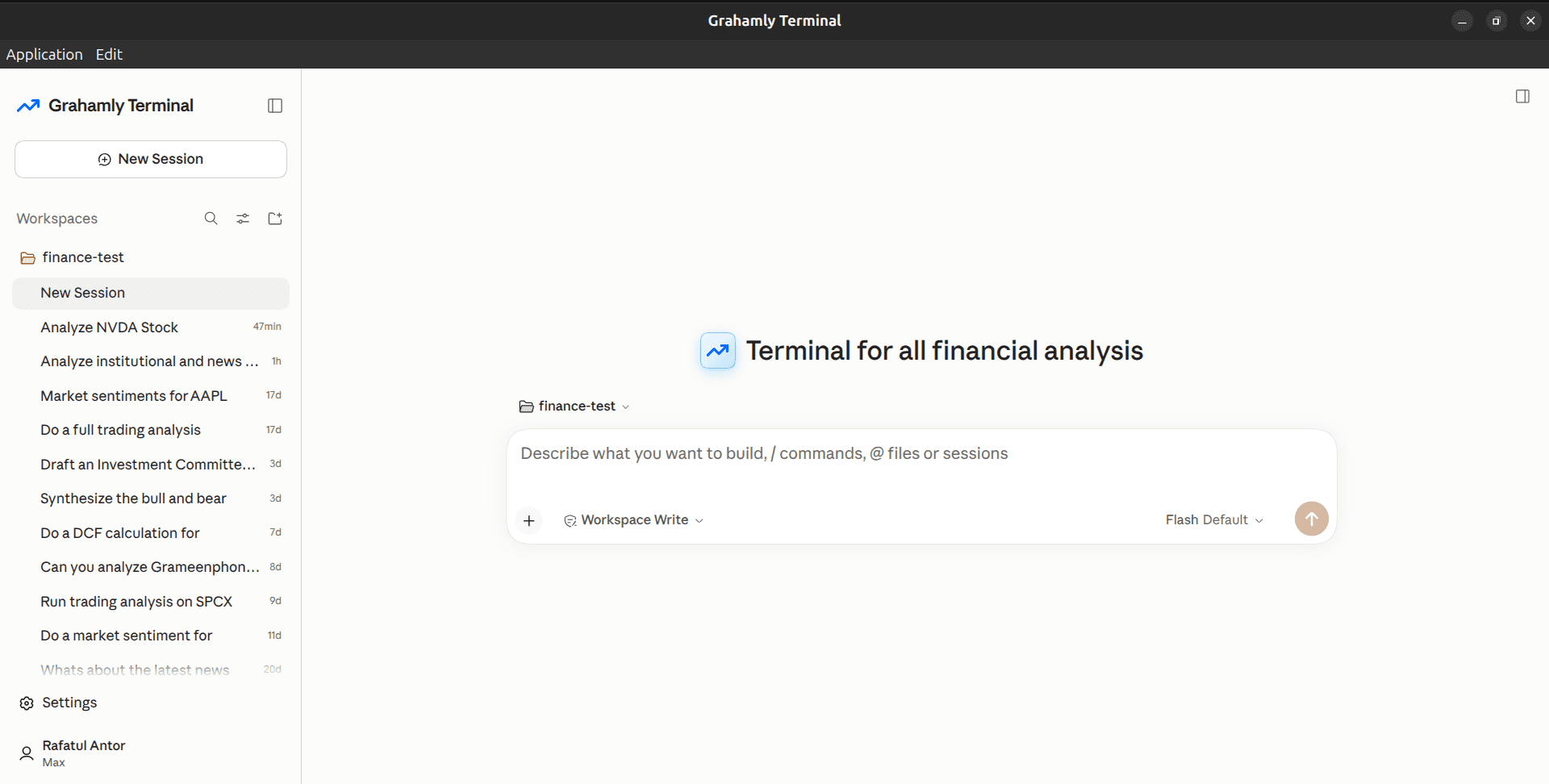
Pick a folder on your drive or start a project. Ask Grahamly to build an Excel DCF, parse 10-Ks, or draft an IC investment memo.
Native desktop workspace